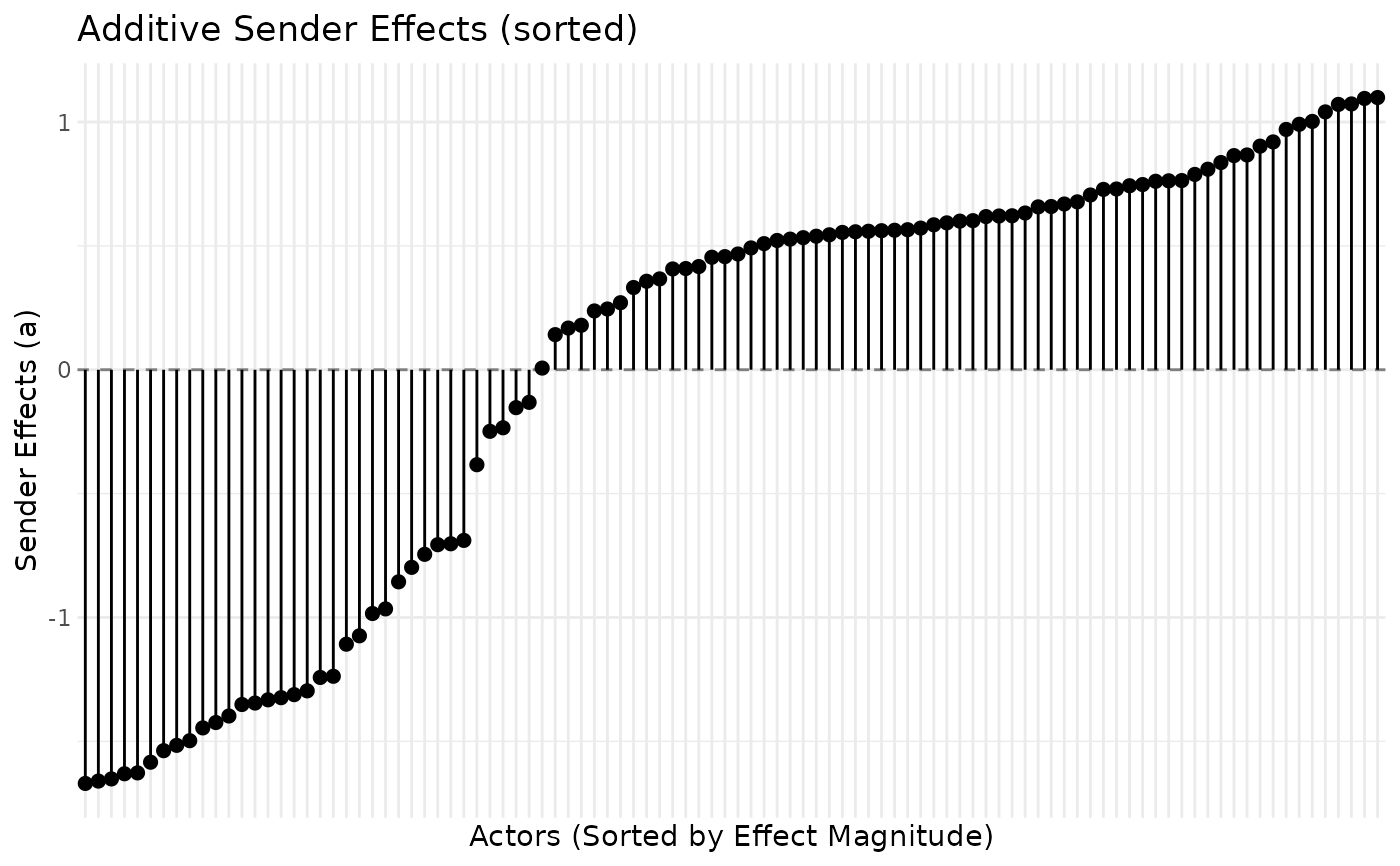
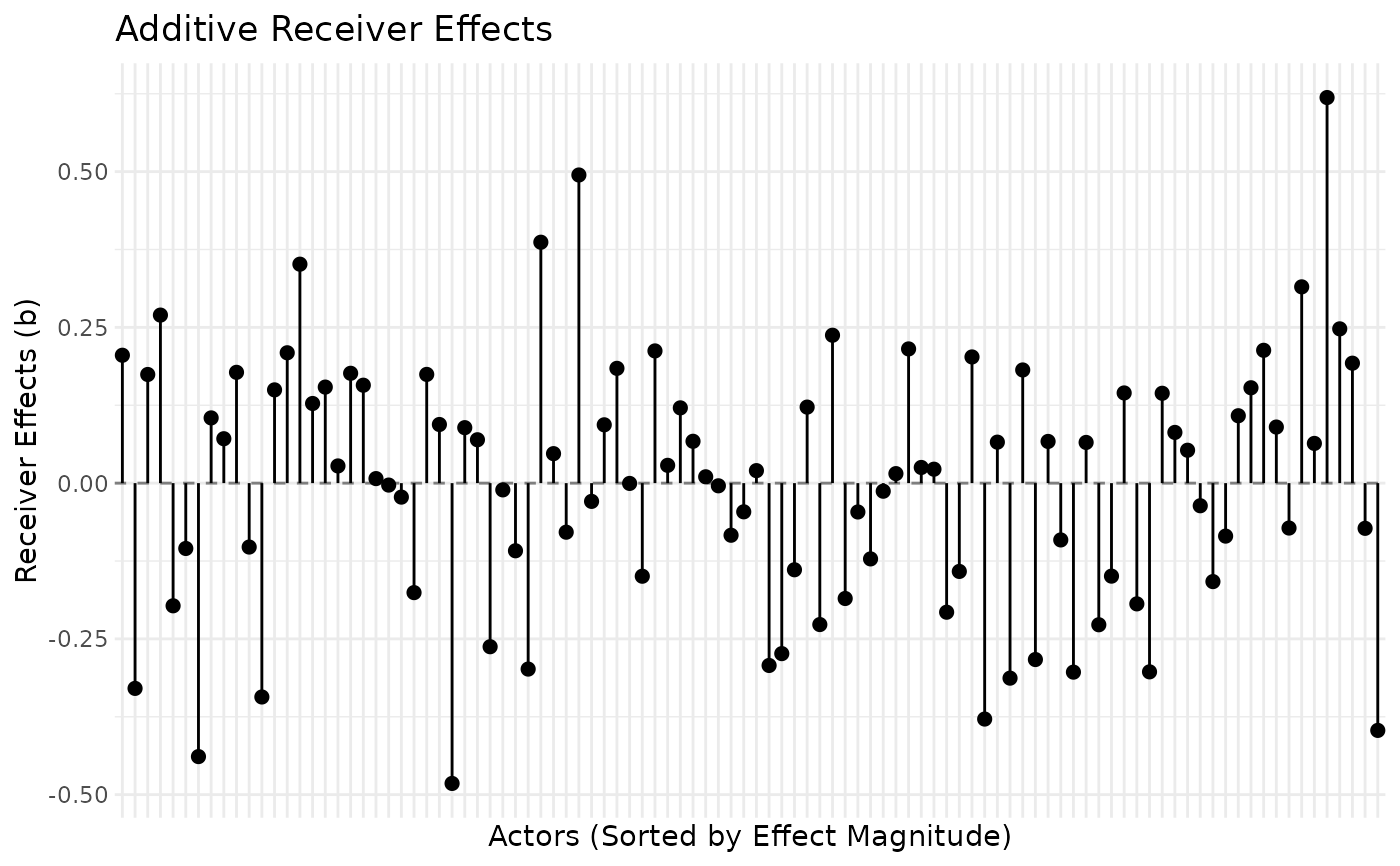
Creates a visualization of the additive sender (row) and receiver (column) random effects from an AME or LAME model. Automatically detects whether effects are static or dynamic and provides appropriate visualization options.
Arguments
- fit
An object of class "ame" or "lame" from fitting an AME model
- effect
Character string specifying which effect to plot: "sender" (default), "receiver", or "both". "both" draws the sender and receiver effects as two panels, each sorted on its own; for dynamic fits it is available in the snapshot views (
plot_type = "snapshot", one period ortime_point = "average"). Symmetric fits store a single set of actor effects, so only "sender" applies to them.- sorted
Logical; if TRUE (default), actors are sorted by effect magnitude. Applies to
ame/lamefits;ame_alsfits are always sorted by value.- labels
Logical; if TRUE, actor labels are shown on x-axis (default TRUE for n <= 50 actors). Applies to
ame/lamefits.- title
Optional title for the plot (
ame/lamefits).- time_point
For dynamic effects, which time point to plot (default: last). Can be a numeric index, "all" for a faceted plot, or "average" for time-averaged
- plot_type
For dynamic effects: "snapshot" (single time), "trajectory" (evolution over time), "faceted" (grid of time points), or "ribbon" (effect path with a 95\ band per period). For static effects, this parameter is ignored.
- show_actors
Character vector of specific actors to highlight (for dynamic trajectory / ribbon plots)
Details
The additive effects in AME models represent:
- Sender effects (a)
Actor-specific tendencies to form outgoing ties. Positive values indicate actors who send more ties than expected; negative values indicate actors who send fewer ties.
- Receiver effects (b)
Actor-specific tendencies to receive incoming ties. Positive values indicate actors who receive more ties than expected; negative values indicate actors who receive fewer ties.
For static effects, the plot displays these effects as a dot plot with vertical lines extending from zero to each effect estimate.
For dynamic effects (when fit contains a_dynamic/b_dynamic), additional options are available to visualize how effects evolve over time.